

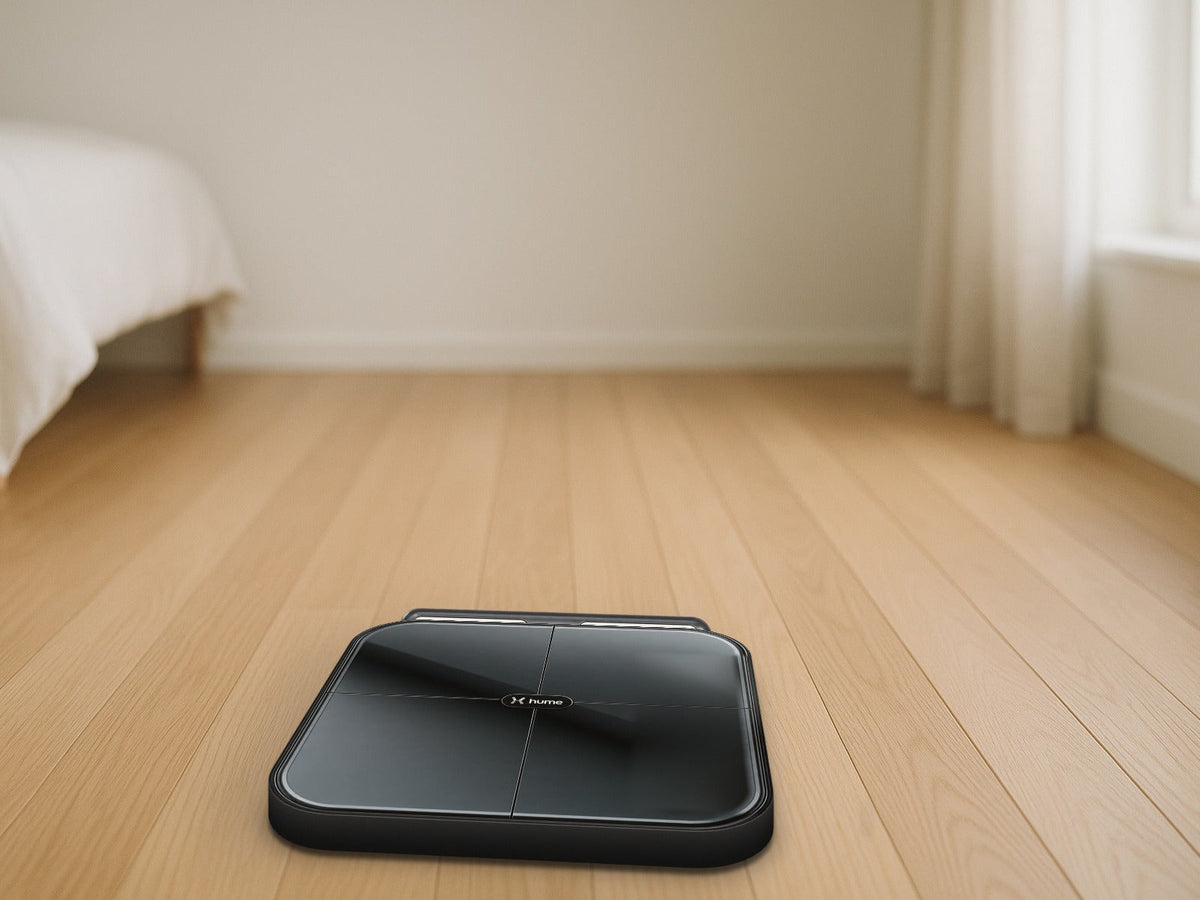
The box is open, the glass platform is on the floor, and the app is asking for an account before you can step on. Setting up a smart scale is easy once you know the order of operations, and most first-week frustrations (a scale the phone cannot find, an error halfway through a weigh-in, a number that looks off) come down to a few small details.
This Learning Center guide walks through how to set up the Hume Body Pod: where to put it, how to pair it with the Hume Health app, how to hold the handles, and what to do when it will not connect. Want to shop first? Start with the Hume Health Body Pod Smart Scale.
The Short Answer
- Put the Body Pod on a hard, flat floor, never on carpet.
- Download the Hume Health app, create your account, and enter your height, age, and sex accurately.
- Pair the scale from inside the app by following its on-screen steps, with Bluetooth turned on.
- Weigh in barefoot, pull out the handles, hold them with both hands, and stay still until the app says the weigh-in is complete.
- Most connection problems are solved by waking the scale, closing another person's app, or resetting the scale and pairing again.
Before You Start: What You Need
- A smartphone with Bluetooth turned on and room for the Hume Health app, which is available on the App Store and Google Play.
- An email address you can check right away, since the app sends a verification code.
- A spot on a hard, flat, even floor such as tile, wood, or vinyl. Bathrooms and bedrooms both work if the floor is level.
- The charging cable that comes with the scale. Hume describes the Body Pod as rechargeable, so give it a charge if the screen does not light up.
Step 1: Choose the Right Spot
Floor choice matters more than most people expect. A thick rug or carpet lets the platform tilt and flex, which can throw off both weight and the body composition estimate. Hume recommends an uncarpeted, flat surface, and the same spot every time is the easiest way to keep readings consistent from week to week.
Leave enough room to stand upright with your elbows away from your sides. A cramped corner between a vanity and a wall can make it hard to hold the handles the way the scale expects.
Step 2: Create Your Hume Health Account
- Download the Hume Health app and tap Sign Up.
- Enter an email address that is not already tied to another Hume account.
- Create a password. Hume asks for at least 10 characters, including an uppercase letter, a lowercase letter, a number, and a symbol.
- Enter the 4-digit code Hume emails you to verify the account.
- Complete your profile. Hume uses your height, age, and sex to calculate its estimates, so a typo here shows up in every reading.
Step 3: Pair the Body Pod With the App
Pair from inside the Hume Health app instead of your phone's general Bluetooth menu. The app's onboarding walks new users through pairing, and existing Hume users can add the scale from the devices section of the Me page.
- Turn on Bluetooth on your phone and allow the Hume Health app to use Bluetooth when it asks.
- Wake the scale. Step on with bare feet, or tap it with your foot, until the display lights up and shows zero.
- In the app, start a measurement or search for a new device, then select the Hume Pod from the list.
- Move quickly. Hume notes that the scale goes to sleep to save power, so wake it right before you search.
- Wait for the app to confirm the pairing before you step off or close the app.
Watch the Bluetooth icon on the scale's screen. A flashing icon means the scale is not connected yet and is ready to be found. A solid icon means it is already connected to a phone.
Step 4: Your First Weigh-In
The Body Pod reads through your feet and your hands, which is why the handle grip matters as much as standing still.
- Open the Hume Health app with Bluetooth on.
- Step onto the platform with bare feet. Socks, slippers, and gloves block the sensors.
- Pull out the handles and hold one in each hand above waist level.
- Rest your thumbs on the sensors without letting your thumbs touch each other.
- Keep your elbows away from your sides, stand upright, and face forward.
- Stay still until the app tells you the weigh-in is complete, then step off.
Your first reading is a starting point, not a verdict. Body composition estimates make the most sense as a trend over several weeks. For what each number means, read What Does the Hume Body Pod Measure? At-Home Metric Guide.
Habits That Keep Readings Consistent
Hume's own guidance for steadier weigh-ins comes down to repeating the same conditions:
- Weigh in at the same time each day. Hume suggests within about 30 minutes of waking, before eating, after a glass of water.
- Wait at least two hours after intense exercise, since fluid shifts can move the numbers.
- Do not weigh in several times in a row. Hume explains that repeated back-to-back measurements can temporarily lower the resistance the scale reads.
- Make sure your feet are clean and not overly dry. Hume suggests slightly damp feet for better sensor contact.
For a deeper look at how close home readings get to clinical tools and why weekly averages beat single mornings, see Is the Hume Body Pod Accurate? App Subscription FAQ.
Sharing One Body Pod at Home
According to Hume, one Body Pod can connect to multiple accounts and recognizes up to 24 users. Each person should sign in with their own Hume account so their trends stay separate. Like most Bluetooth devices, the scale connects to one phone at a time. If someone else in the house has the Hume Health app open nearby, the scale may stay linked to their phone. Ask them to close the app, wait about 10 seconds for the scale to sleep, then wake it again for your turn.
Troubleshooting: Quick Fixes
| What you see | What it usually means | What to try |
|---|---|---|
| The screen will not turn on | The battery is low | Charge the scale with the included cable. If it will not hold a charge, Hume suggests leaving it plugged in overnight. |
| The app cannot find the scale and the Bluetooth icon is solid | The scale is already paired with another phone | Close the Hume Health app on any other nearby phone. If that does not help, reset the scale and pair again. |
| The Bluetooth icon is flashing after it worked before | The scale is not connected | Check that Bluetooth is on and that the Hume Health app still has Bluetooth permission in your phone settings, then search for the device again from the Me page while the scale is awake. |
| Your scale shows in the app but will not connect | An old connection is stuck | Wake the scale with a tap of your foot. If it still does not connect, tap Disconnect in the app and pair it again. |
| An error message appears during a weigh-in | The scale did not get clean contact or a steady stance | Stand upright and barefoot, grip both handles with your thumbs on the sensors, and move the scale to a flat floor. Hume suggests slightly wetting very dry hands. |
| The numbers look wrong | Profile details are off, or the scale needs to recalibrate | Check your height, age, and sex under Edit Profile in the app, then recalibrate the scale as described below. |
How to reset and recalibrate
Hume's support steps describe a small reset button tucked behind the handlebars near the charging port. Pull the handles out to reach it, then press and hold it for about five seconds with a pin. Set the scale back on a hard, flat floor. To recalibrate, step on and off quickly. When the display reads zero, recalibration is complete. After a reset, pair the scale again from the app. Menu names can change with app updates, so check Hume's support pages if a screen looks different.
Weight Range and Care
- Hume lists a maximum weight of 400 pounds (181.4 kilograms). Above that, the scale shows an error.
- Keep the glass platform and the handle sensors clean and dry between uses so dust or lotion does not interfere with contact.
- Store the scale flat on the floor, and avoid leaning heavy items on the glass or the handles.
Where the Body Pod Fits
The Hume Health Body Pod Smart Scale suits people who want more than a weight number and are willing to build a simple weigh-in routine. If you are still comparing options, start with What Is the Best At-Home Body Composition Scale? Hume Health Body Pod. Browse more in Smart Health & Fitness Devices and Wellness.
FAQ
How long does it take to set up the Hume Body Pod?
Setup comes down to four steps: download the app, create an account, enter your profile, and pair the scale.
Do I pair the Body Pod in my phone's Bluetooth settings?
No. Turn Bluetooth on, then pair from inside the Hume Health app by following its on-screen steps.
Why does my phone not find the scale?
The scale may be asleep, or it may already be connected to another phone. Wake it with a tap of your foot, close the Hume Health app on other nearby phones, and search again right away. If the Bluetooth icon stays solid, reset the scale and pair again.
Can I use the Body Pod with socks on?
No. The scale needs bare skin on both the platform and the handles for its sensors to read.
Do I need a paid Hume plan to set it up?
No. Hume says the free app supports weighing in and viewing body measurements, and its paid Hume Plus plan adds deeper reports. The details are in Is the Hume Body Pod Accurate? App Subscription FAQ.
Can I use the Body Pod if I have a pacemaker?
Check with your doctor first if you have a pacemaker or any other implanted medical device before using a body composition scale.
Find more guides in the Learning Center.
Disclaimer
Pure Supply Shop shares this guide as general product information. It is not medical advice. The Hume Health Body Pod Smart Scale uses bioelectrical impedance analysis (BIA) to estimate body composition for general wellness and fitness tracking. It is not intended to diagnose, treat, cure, or prevent any disease, and its readings are estimates that can shift with hydration, food, exercise, and other factors. Do not use scale data to make medical decisions. Talk with a qualified healthcare professional about body composition concerns, unexplained weight changes, pregnancy, implanted medical devices, or any health condition. Setup steps, app menus, and features come from Hume Health and can change; check Hume Health's support pages for current instructions. Individual results vary.


